logo
ホーム ニュース

CPU is lagging and the computer is overheating? Thermal conductive silicone is the "invisible savior" for heat dissipation.

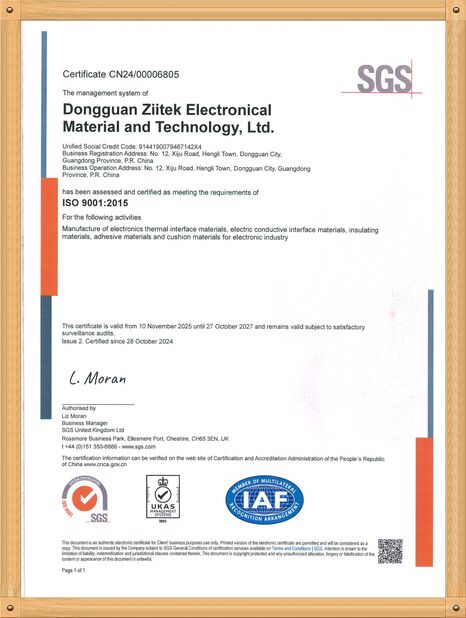
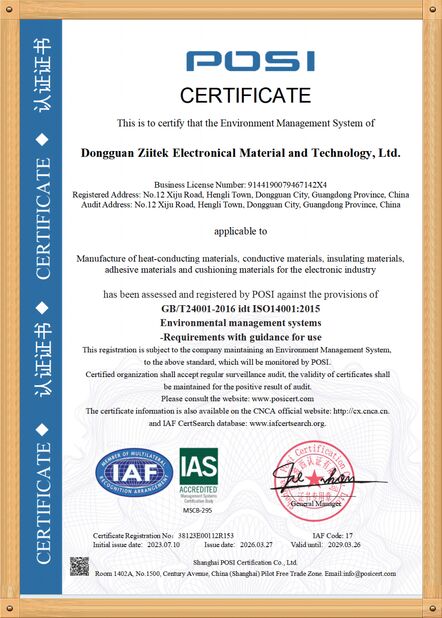
認証
中国 Dongguan Ziitek Electronical Material and Technology Ltd. 認証
顧客の検討
熱伝導性のパッドはであり非常によい見、働かせる。私達に他の熱伝導性のパッドのための必要性が今ない!

—— ピーターのゲイ

私は2年間Ziitekに協力した、それらは良質の熱伝導性材料を提供し、時間の配達は、相変化材料を推薦する

—— Antonello SAU

良質、よいサービス。常のあなたのチームは私達に助けおよび解決を与えるために、私達がいつもよいパートナーであることを望む!

—— Chona Maxon

オンラインです
会社 ニュース
CPU is lagging and the computer is overheating? Thermal conductive silicone is the "invisible savior" for heat dissipation.
最新の会社ニュース CPU is lagging and the computer is overheating? Thermal conductive silicone is the "invisible savior" for heat dissipation.

CPU is lagging and the computer is overheating? Thermal conductive silicone is the "invisible savior" for heat dissipation.


When people encounter computer overheating and sluggish performance, their first reaction is to clean the dust and replace the fan. However, they overlook a "minor player" hidden in the heat dissipation module: the thermal paste. This seemingly insignificant paste is actually the "heat transfer belt" between the CPU and the heat sink - if it fails, even if the heat sink is very strong, the CPU's heat cannot be promptly transferred out, and the temperature will soar while the performance will plummet.


最新の会社ニュース CPU is lagging and the computer is overheating? Thermal conductive silicone is the "invisible savior" for heat dissipation.  0


Why is thermal conductive silicone "the invisible savior"?


You might not have noticed: The surface of the CPU and the base of the heat sink look flat, but when you zoom in, you'll see that they are full of tiny concave and convex gaps. The air in these gaps is the "heat insulation killer", which will trap the heat on the CPU. The function of the thermal paste is to fill these gaps, allowing the heat to be directly transferred from the CPU to the heat sink, effectively creating a "highway" for heat dissipation. However, the thermal paste has a "shelf life" - after using it for 1-2 years, it will gradually dry out and form lumps, changing from "thermal paste" to "heat insulation layer". At this point, even if you clean the dust, the CPU temperature still won't drop, and problems such as slow software operation and game lag will naturally occur.
After replacing the heat-conducting silicone grease, how much smoother can the computer become?


I have a friend around here who hasn't replaced the thermal paste in his notebook for three years. As soon as he opened Photoshop, the CPU temperature soared to 90℃, making typing extremely sluggish. After replacing the new thermal paste, the temperature dropped directly to around 65℃. When doing video editing, the fan noise was reduced by half. Even the games that used to freeze could now be played at full graphics settings. More importantly, this is a cost-effective way to restore the computer's performance - a reliable batch of thermal paste only costs a few dollars, and it takes just 10 minutes to make it yourself, allowing the overheating and sluggish computer to "rejuvenate".


最新の会社ニュース CPU is lagging and the computer is overheating? Thermal conductive silicone is the "invisible savior" for heat dissipation.  1


Don't let your CPU "overheat and go on strike" anymore - the next time your computer gets hot and slows down, check the thermal paste first: it might be the "invisible savior" that you've been ignoring.


パブの時間 : 2025-11-28 20:05:34 >> ニュースのリスト
連絡先の詳細
Dongguan Ziitek Electronical Material and Technology Ltd.

コンタクトパーソン: Ms. Dana Dai

電話番号: +86 18153789196

私達に直接お問い合わせを送信 (0 / 3000)